An internal linking strategy is a plan for how pages on your site link to each other so that authority and context flow to the pages that matter most, usually service, product and pillar pages. The core method is simple: group content into topic clusters, link every supporting article to its parent page with descriptive anchors, link siblings to each other, and add links from your strongest pages to the money pages you want to rank.
Key Takeaways
- Internal links help Google discover pages, understand topics and decide which pages matter most.
- Money pages should receive links from many relevant supporting articles, not just the menu.
- Descriptive anchor text tells Google what the target page is about.
- Your most-linked pages, often the homepage and popular guides, are the best sources of internal authority.
- Fix orphan pages, broken links and deep pages before adding new links.
Why Internal Links Matter
External backlinks get most of the attention, but internal links are the part of link building you fully control. They do three jobs:
- Discovery. Crawlers follow links. Pages with no internal links (orphans) may be crawled rarely or not at all.
- Context. Anchor text and surrounding words tell Google what the linked page is about and how it relates to the linking page.
- Authority flow. Links pass signals. A page linked from many relevant pages, including strong ones, is treated as more important.
On many sites we audit, money pages have fewer internal links than old blog posts. Fixing that alone can lift rankings without a single new backlink.
The Hub-and-Spoke Model
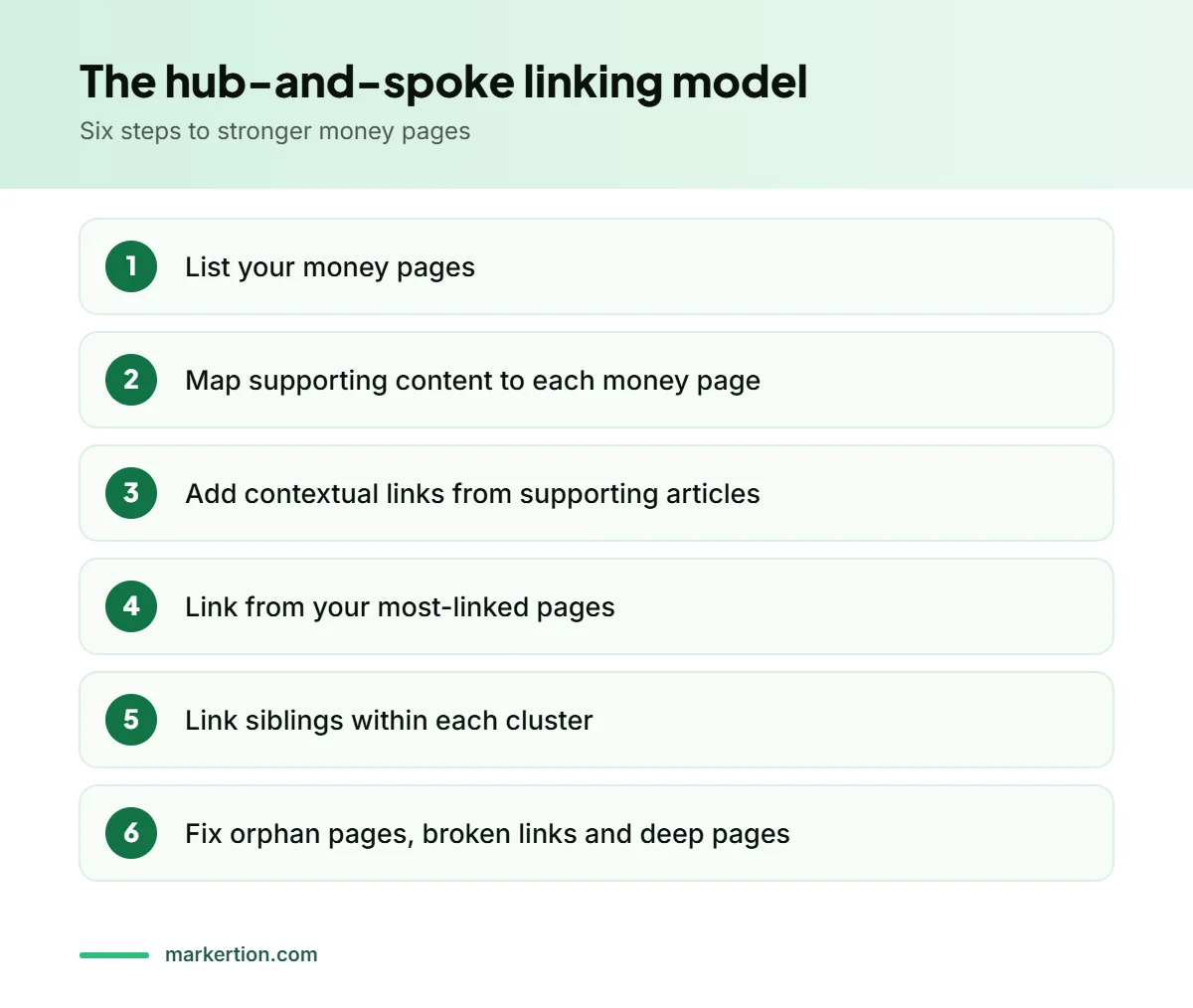
The most reliable structure for internal linking is the hub-and-spoke, or topic cluster, model:
- Hub (parent page): the page you most want to rank for a topic, often a service page or pillar guide.
- Spokes (supporting pages): articles that answer specific questions within the topic.
- Links: every spoke links to the hub; the hub links to the main spokes; spokes link to closely related siblings.
This mirrors how a topical map is planned, which is why the two work best together.
Step-by-Step Internal Linking Strategy
Step 1: List your money pages
Write down the pages that generate revenue or leads: service pages, product pages, pricing and key landing pages. These are the main targets.
Step 2: Map supporting content to each money page
Go through your blog and guides and assign each one to the money page it supports best. Some articles will support more than one; pick a primary target.
Step 3: Add contextual links from supporting articles
In each supporting article, add a link to its money page inside the body text, near a sentence that naturally mentions the service or topic. A link in the first half of the article is usually seen by more readers.
Step 4: Link from your strongest pages
Use an SEO tool to find which of your pages have the most external backlinks. Add relevant links from those pages to your money pages. This passes the most authority.
Step 5: Link siblings within each cluster
Add two or three links between closely related articles in the same cluster. This keeps readers moving through the topic and shows depth.
Step 6: Fix structural problems
- Give every orphan page at least one relevant internal link, or remove it if it has no purpose.
- Fix broken internal links and update links that point to redirected URLs.
- Make sure important pages are within three clicks of the homepage.
Anchor Text for Internal Links
| Anchor type | Example | Guidance |
|---|---|---|
| Descriptive | “our guest posting services” | Use for most internal links |
| Partial match | “guest post services for SaaS” | Good for variety |
| Exact match | “guest posting services” | Fine internally in moderation |
| Generic | “click here”, “read more” | Avoid; adds no context |
Internal anchors can be more descriptive than external ones, because you control them and they reflect your own site structure. Still, vary them naturally rather than repeating one phrase hundreds of times.
How Many Internal Links per Page?
There is no fixed number. A practical guide is:
- Long articles: three to eight contextual links to relevant pages.
- Money pages: links to the most relevant supporting guides and case studies.
- Avoid stuffing links into every sentence; each link should help the reader.
Internal Linking Checklist
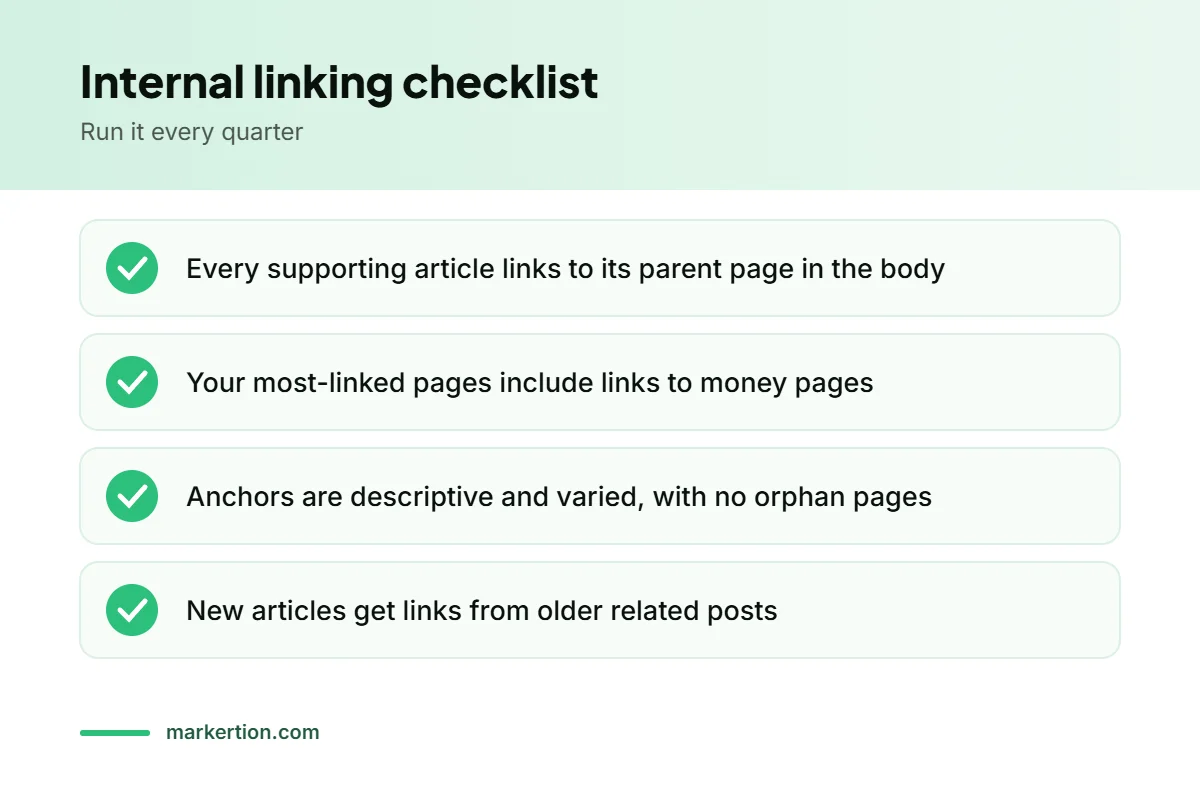
- Every supporting article links to its parent money page in the body.
- Money pages link back to their main supporting guides.
- Your most-linked pages include links to key money pages.
- Anchors are descriptive and varied.
- No orphan pages and no broken internal links.
- Important pages are within three clicks of the homepage.
- New articles get links from older relevant articles when published.
Don’t Forget Old Content
Every time you publish a new article, go back to two or three older related posts and add a link to the new one. This helps the new page get discovered and ranked faster, and it keeps older content connected to the cluster. It is one of the simplest habits with the biggest long-term effect.
Internal Links and AI Search
Clear internal structure also helps AI search tools. When an assistant retrieves one of your guides, well-labelled internal links help it understand related pages and the full scope of your expertise. A site where every topic has a clear hub and supporting answers is easier to understand and quote. Our guide on AI search visibility explains the wider picture.
Using Data to Find Internal Link Opportunities
You do not have to guess where links should go. Two quick methods work on almost any site:
- Search Console queries. Open the Performance report for a money page and note the queries it ranks for. Then search your own site for those phrases (site:yourdomain.com “phrase”) to find articles that mention them without linking.
- Crawler reports. Most crawlers show the number of inlinks for every URL. Sort by inlinks and compare. If a money page has fewer internal links than a minor blog post, that is the first thing to fix.
Repeat this every quarter. As your content grows, new opportunities appear all the time, and a short review keeps authority flowing to the pages that matter.
Common Internal Linking Mistakes
- Relying only on navigation menus for links to money pages.
- Generic anchors like “click here”.
- Linking to redirected or broken URLs.
- Orphan pages that nothing links to.
- Linking everything to the homepage instead of the most relevant page.
Frequently Asked Questions
What is an internal linking strategy?
It is a plan for how pages on your site link to each other so authority and context flow to the most important pages, usually by organising content into topic clusters linked to parent pages.
Do internal links help SEO?
Yes. They help search engines discover pages, understand what each page is about and judge which pages are most important on your site.
How many internal links should a page have?
There is no exact number. Long articles typically include three to eight relevant contextual links, and each link should genuinely help the reader.
Can I use exact-match anchors for internal links?
Yes, in moderation. Internal anchors can be more descriptive than external ones, but vary them naturally and avoid repeating one phrase everywhere.
Can Markertion improve my internal linking?
Yes. Our SEO service includes an internal link audit and a cluster-by-cluster linking plan, and we add links as part of our content work.
Final Thoughts
Internal linking is the easiest authority you will ever build, because you control every link. Organise content into clusters, link supporting articles to money pages with descriptive anchors, use your strongest pages to push authority where it matters, and keep linking new content into the structure. Do it consistently and both your rankings and your backlink budget will go further.
About the author: Shahidul Afridi is the founder of Markertion, a digital PR and link building agency that has built 6,000+ links for 260+ client partners since 2021. He writes from hands-on campaign work, not theory.

Digital PR & Link Building Expert