The best backlink checker tools in 2026 are Ahrefs, Semrush, Moz Link Explorer, Majestic, SE Ranking, SEO SpyGlass, Mangools LinkMiner and Ubersuggest for paid or freemium analysis, plus Google Search Console and Bing Webmaster Tools for free data about your own site. No single tool sees every link, so most SEO teams pair one large third-party index with Search Console’s first-party data.
Key Takeaways
- Third-party tools crawl the web themselves, so each one finds a different share of links.
- Google Search Console shows links Google knows about for your own site, but not for competitors.
- Choose a tool based on index size and freshness, competitor analysis features and how you will use the data.
- Metrics such as DR, DA and Trust Flow are tool-specific estimates, not Google signals.
- Use backlink data to find opportunities and judge quality, not just to count links.
How We Chose These Tools
We focused on tools that SEO teams and agencies widely use for backlink analysis, covering paid suites, freemium options and free first-party sources. Features and plans change often, so check each vendor’s current pricing and limits before choosing. The list starts with the large all-in-one suites, then dedicated and budget options, then free tools.
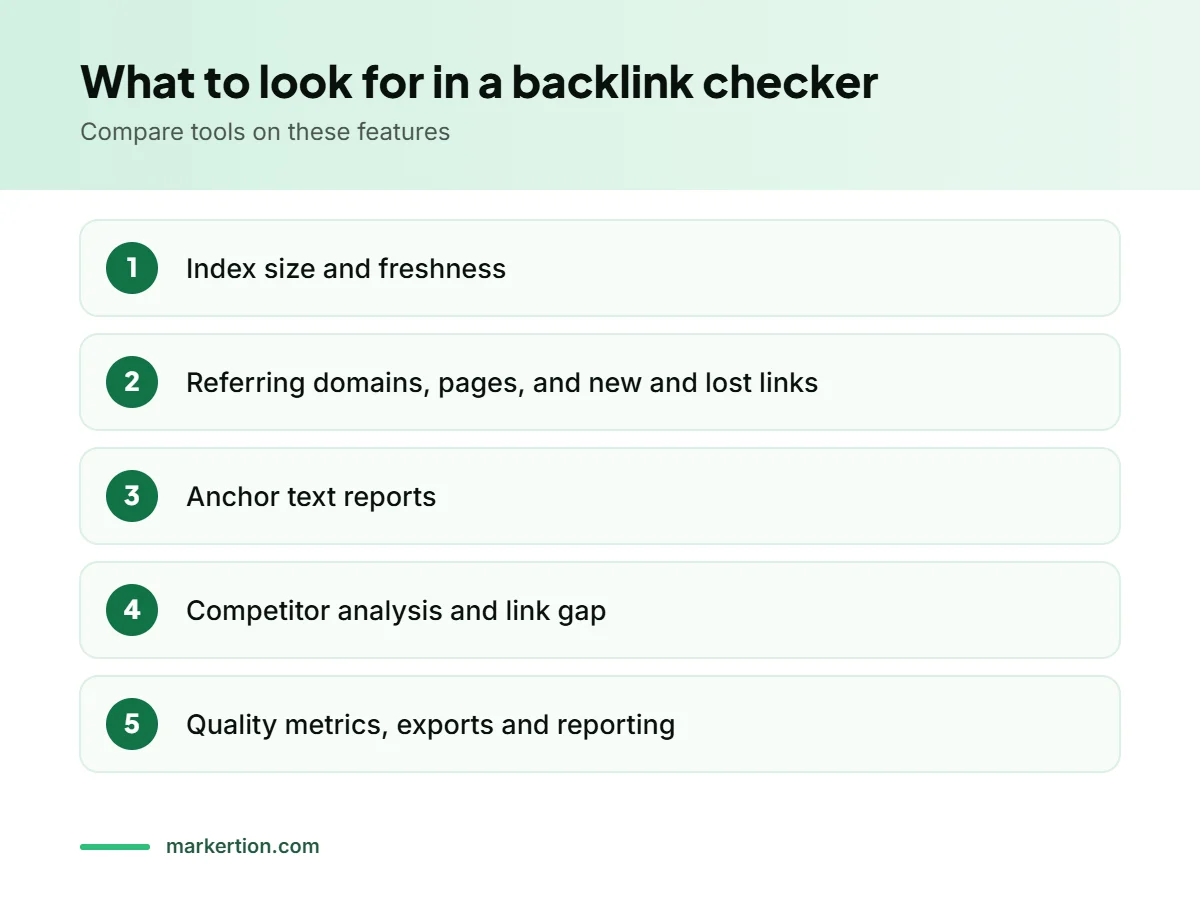
What to Look for in a Backlink Checker
| Feature | Why it matters |
|---|---|
| Index size and freshness | More and fresher links means a more complete picture |
| Referring domains and pages | Shows who links to you and exactly where |
| New and lost links | Tracks campaign progress and link removals |
| Anchor text reports | Helps keep anchors natural |
| Competitor analysis and link gap | Finds sites linking to competitors but not you |
| Quality metrics and traffic | Helps judge whether links matter |
| Exports and reporting | Needed for audits and client reports |
The 10 Best Backlink Checker Tools
1. Ahrefs
Ahrefs is one of the most widely used backlink tools, known for a large, frequently updated link index. Site Explorer shows referring domains, new and lost links, anchors and the Domain Rating (DR) metric, and its link intersect feature finds sites linking to competitors. It is a strong choice for agencies and serious link builders.
2. Semrush
Semrush combines backlink analytics with keyword research, site audits and competitor tools. Its backlink gap and backlink audit features help find opportunities and review potentially harmful links. Good for teams that want backlink data inside a broader SEO and marketing suite.
3. Moz Link Explorer
Moz Link Explorer reports backlinks, linking domains and Moz’s Domain Authority (DA) and Spam Score metrics. Moz Pro adds link tracking lists and competitor comparisons. A familiar option for teams that already use DA as a shared language with clients.
4. Majestic
Majestic is a dedicated link intelligence tool with its own Trust Flow and Citation Flow metrics and topical categorisation of links. It suits link specialists who want deep link data and topical trust signals rather than an all-in-one suite.
5. SE Ranking
SE Ranking offers a backlink checker and monitoring alongside rank tracking and site audits. It is often chosen by small agencies and freelancers looking for a broad toolset at a lower cost than the largest suites.
6. SEO SpyGlass
SEO SpyGlass, part of SEO PowerSuite, is a desktop tool for backlink research and audits, including link risk assessment and competitor comparison. Useful for teams that prefer desktop software and detailed audit reports.
7. Mangools LinkMiner
LinkMiner is part of the Mangools suite and focuses on simple, visual backlink analysis, including link strength and previews of linking pages. It suits beginners and small sites that want easy-to-read data.
8. Ubersuggest
Ubersuggest provides backlink data within a beginner-friendly SEO tool, with limited free checks and paid plans for more. A reasonable starting point for small businesses on a tight budget.
9. Google Search Console (free)
Search Console’s Links report shows top linking sites, top linked pages and top anchor text for your own verified site, based on Google’s own data. It does not show competitors’ links and does not list every link, but it is the most trustworthy source for your site. Every site owner should use it.
10. Bing Webmaster Tools (free)
Bing Webmaster Tools includes a backlinks report for your site, and lets you compare against other domains. It is free and often overlooked, making it a useful second free source alongside Search Console.
Quick Comparison
| Tool | Best for | Type |
|---|---|---|
| Ahrefs | Large index and competitor link research | Paid suite |
| Semrush | Backlinks inside a full marketing suite | Paid suite |
| Moz Link Explorer | DA-based reporting and spam score | Freemium / paid |
| Majestic | Deep link intelligence and topical trust | Paid |
| SE Ranking | Budget-friendly all-round SEO | Paid |
| SEO SpyGlass | Desktop backlink audits | Freemium / paid |
| Mangools LinkMiner | Simple visual analysis | Paid |
| Ubersuggest | Small budgets and beginners | Freemium |
| Google Search Console | First-party data for your own site | Free |
| Bing Webmaster Tools | Second free first-party source | Free |
How to Use Backlink Data Well
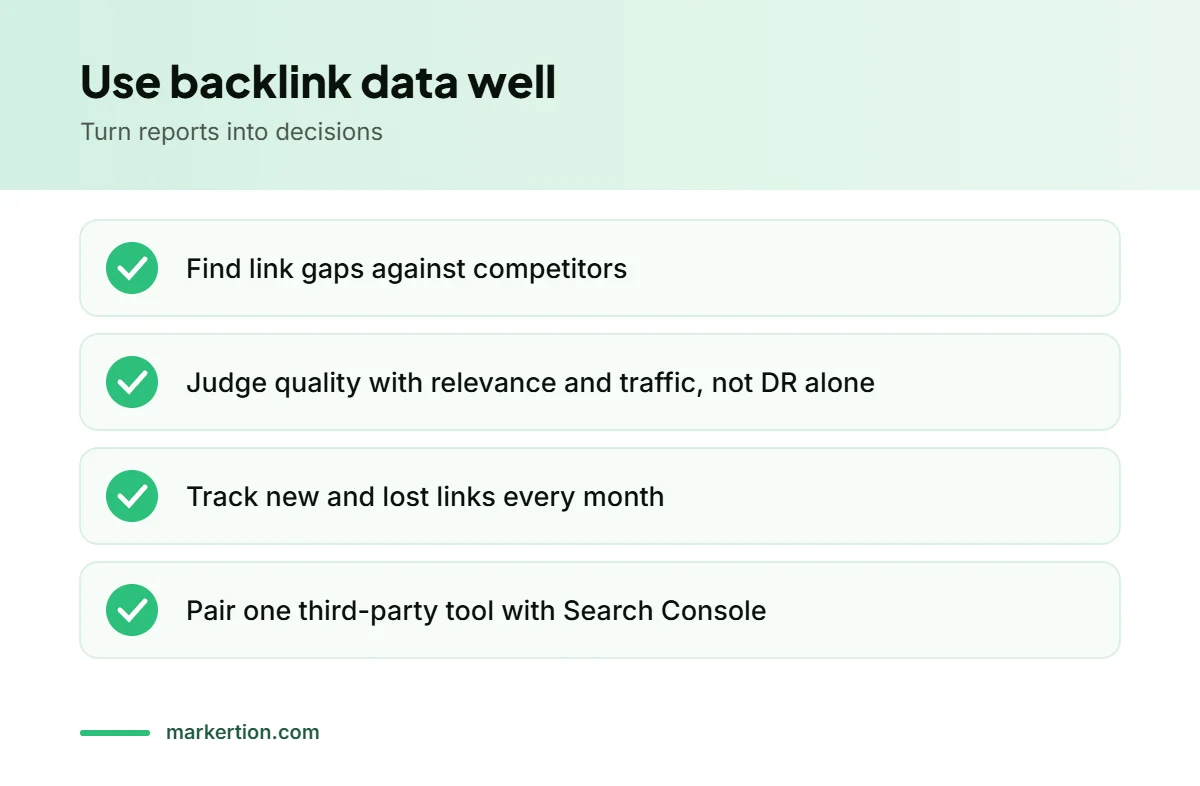
- Find link gaps. Compare your referring domains with competitors’ and target relevant sites that link to them but not to you.
- Judge quality, not quantity. Use the signals in our guide on how to evaluate a backlink rather than relying on DR or DA alone.
- Watch new and lost links each month to track campaign results and replace lost placements.
- Check anchor distribution to avoid over-optimisation.
- Audit for problems occasionally, especially after buying links from new vendors. Our backlink audit guide covers when action is needed.
- Combine sources. Pair one third-party tool with Search Console for the most complete view of your own profile.
Why Tools Show Different Numbers
Each tool runs its own crawler, decides which pages to crawl and how often, and calculates its own metrics. That is why Ahrefs, Semrush, Moz and Majestic report different link counts and scores for the same site. None of them is “the real number”. Choose one main tool for consistency, and use Search Console to confirm what Google itself has seen.
Which Tool Should You Choose?
The right tool depends on how you work:
- Agencies and link building teams usually need a large index and strong competitor features, which points to Ahrefs, Semrush or Majestic.
- Small businesses and freelancers can start with SE Ranking, Mangools or Ubersuggest, plus the free tools.
- Every site owner, whatever else they use, should connect Google Search Console and Bing Webmaster Tools.
If you are unsure, take advantage of free trials or limited free checks, run the same competitor through two or three tools, and choose the one whose data and interface you find most useful for real decisions.
Common Mistakes
- Treating tool metrics as Google rankings factors.
- Comparing numbers across different tools as if they were the same scale.
- Ignoring Search Console because it lacks competitor data.
- Chasing link counts instead of relevant, quality links.
- Disavowing links in bulk based only on a tool’s spam score.
Frequently Asked Questions
What is the best backlink checker?
Ahrefs and Semrush are among the most widely used for large indexes and competitor analysis, while Google Search Console is the best free source for your own site’s links.
Is there a free backlink checker?
Yes. Google Search Console and Bing Webmaster Tools are free for your own sites, and several paid tools such as Moz, Ubersuggest and SEO SpyGlass offer limited free checks.
Why do backlink tools show different results?
Each tool crawls the web separately and calculates its own metrics, so they discover different links and report different scores for the same site.
Is DR or DA a Google ranking factor?
No. DR, DA and similar scores are third-party estimates of backlink strength. They are useful for comparison but are not used by Google.
Can Markertion audit my backlinks?
Yes. We review your backlink profile, find link gaps against competitors and build quality links through our SaaS link building service.
Final Thoughts
A good backlink checker shows who links to you, who links to your competitors and how your profile changes over time. Pick one main third-party tool that fits your budget and workflow, pair it with Google Search Console, and use the data to find relevant opportunities and judge quality rather than simply counting links.
About the author: Shahidul Afridi is the founder of Markertion, a digital PR and link building agency that has built 6,000+ links for 120+ client partners since 2021. He writes from hands-on campaign work, not theory.

Digital PR & Link Building Expert